Create or import
Build a character in the app or add your own four PNG states.

MOBILE PNGTUBER GAMEPLAY RECORDER
Create a character inside R-TUBER or bring your own PNGs. Record gameplay on your phone or tablet, then trim and rebalance the result afterwards.

WHY R-TUBER EXISTS
Before R-TUBER, making this kind of video could mean screen-recording the game, recording voice separately, running a desktop PNGTuber app for the mouth movement, then syncing and compositing everything in an editor. It worked — but it was a palava.
R-TUBER was built around the devices people actually play on: phones and tablets. It gives new creators a simple way in, existing PNGTubers a fast portable setup, and anyone a way to record without needing to livestream or carry a laptop.
HOW IT WORKS
R-TUBER is recording-first. It is designed to get you from an idea to a usable video without learning desktop streaming software first.
Build a character in the app or add your own four PNG states.
Customise the character, logo and screen layout.
Check your mic, balance game sound and capture the session. A headset can give cleaner audio, but it is not required.
Trim, rebalance, preview and save a clean copy.
START YOUR WAY
Choose the path that matches where you are now. Beginners can make a character inside R-TUBER; existing creators can keep their own art.
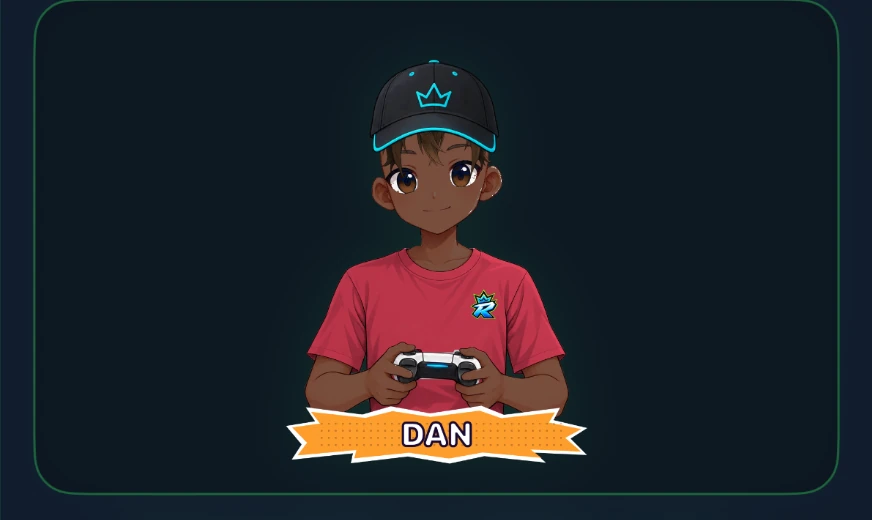
No drawing or PNG files needed to get started. Pick a character, customise it, and R-TUBER prepares the talking and blinking states.
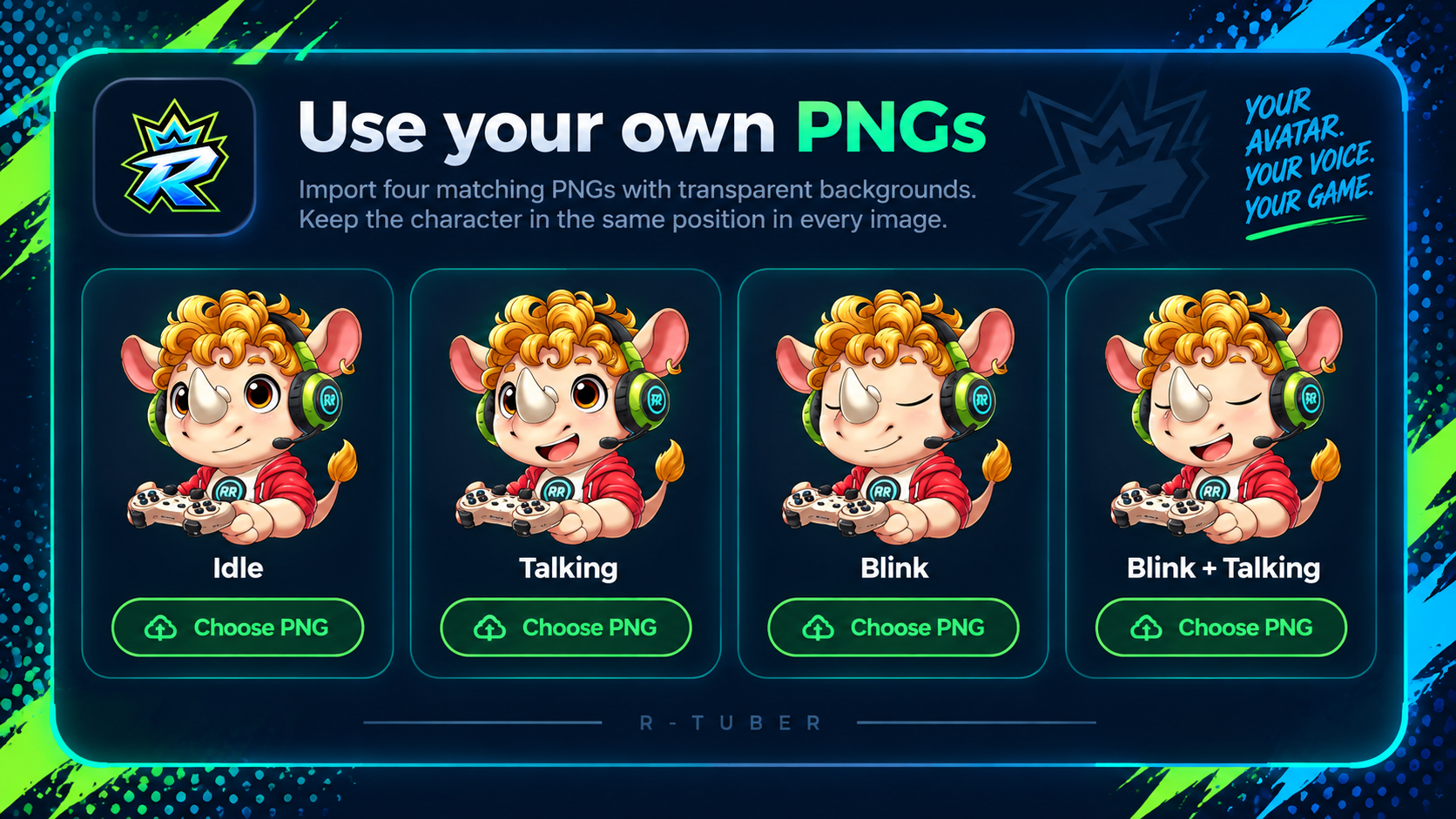
Import your own idle, talking, blink and blink + talking images. Your art stays yours and remains the focus of the video.
MAKE IT YOURS
The creator and layout tools give you meaningful control without turning the app into a complicated design suite.
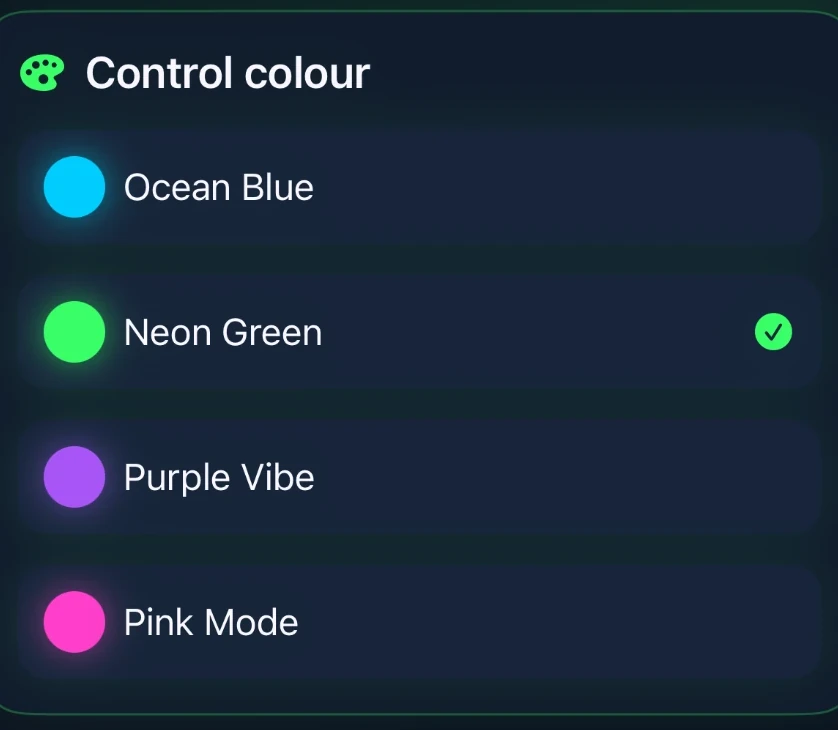
Choose accessories, colours and styling while keeping a live preview in view — including accessory colour choices.
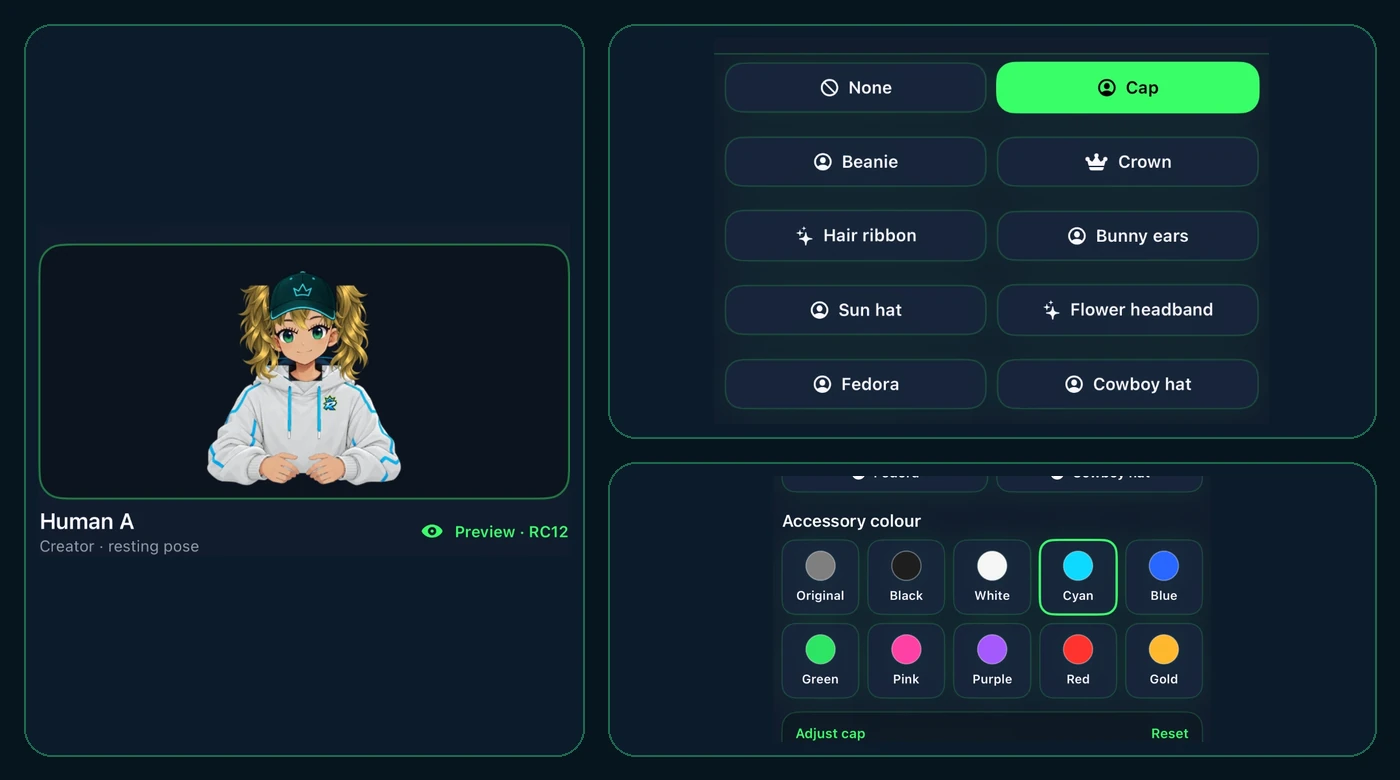
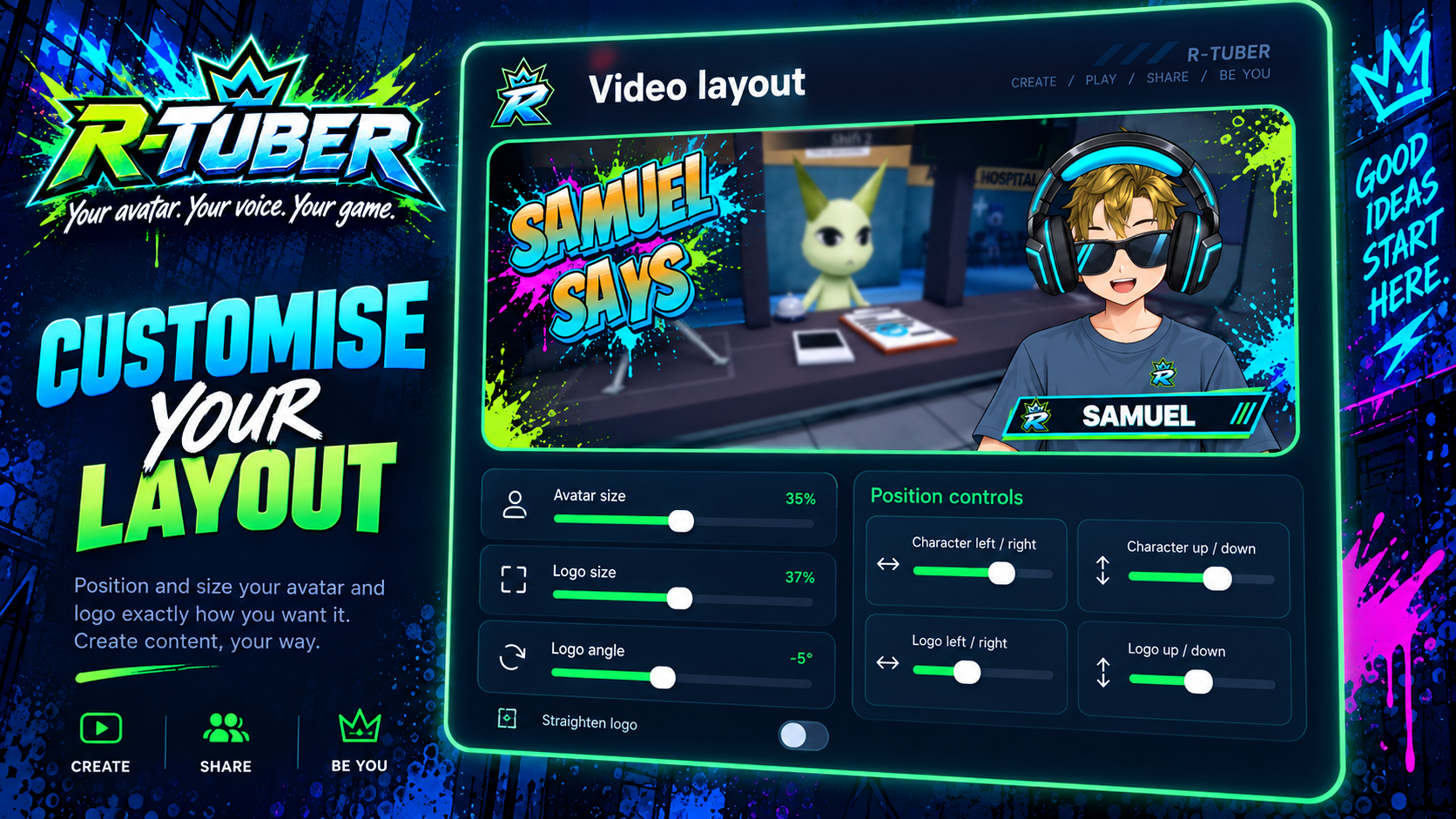
Resize and position both the avatar and logo before you record — this example uses a different in-app character and name treatment.
Ocean Blue, Neon Green, Purple Vibe or Pink Mode.
RECORD → EDIT → VIDEOS
The key controls are shown as focused excerpts rather than giant phone screenshots, so you can see what matters at a glance.
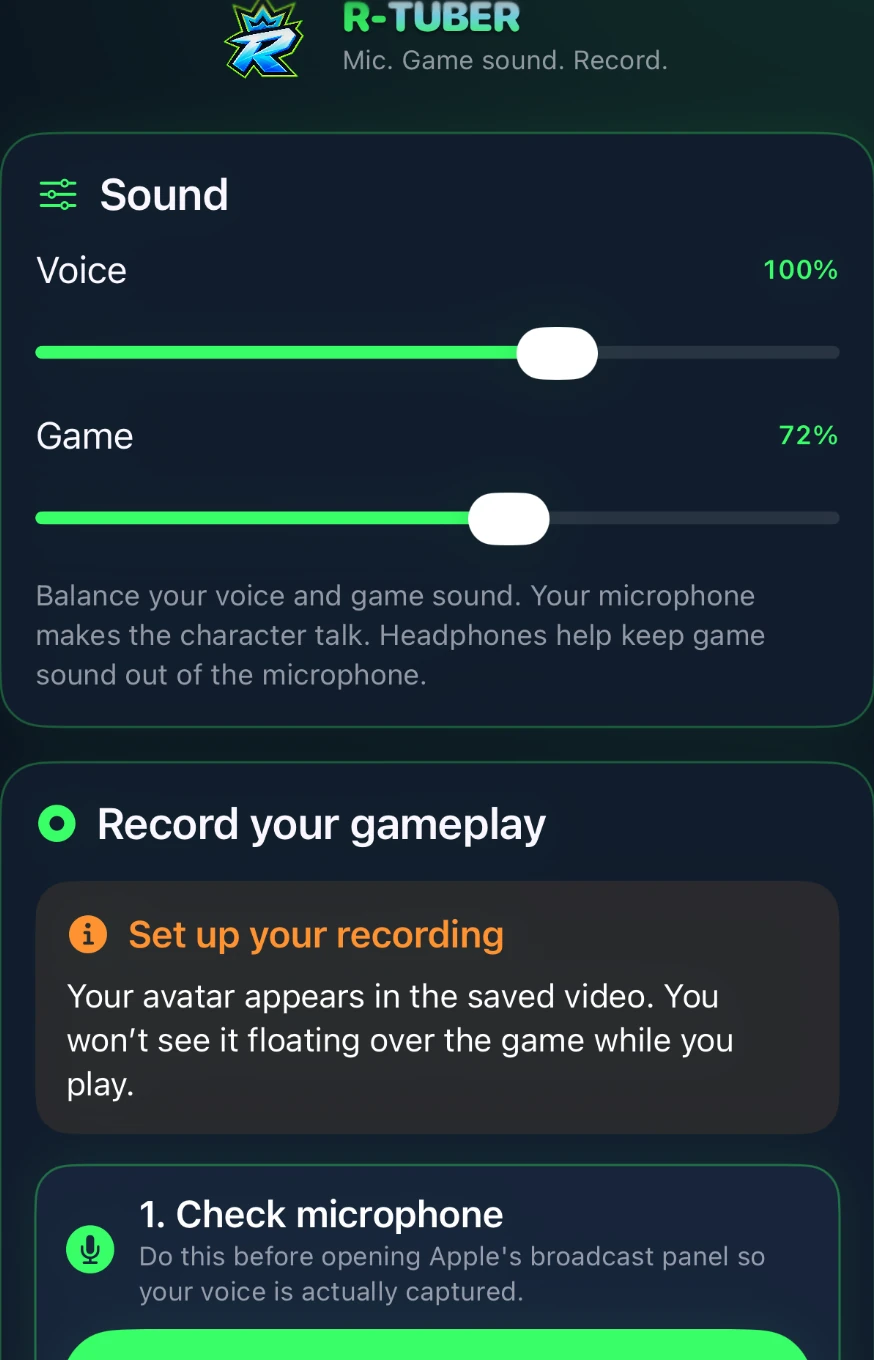
Check the microphone, balance voice and game sound, then start the recording. A headset is optional — useful for cleaner separation, but not essential.
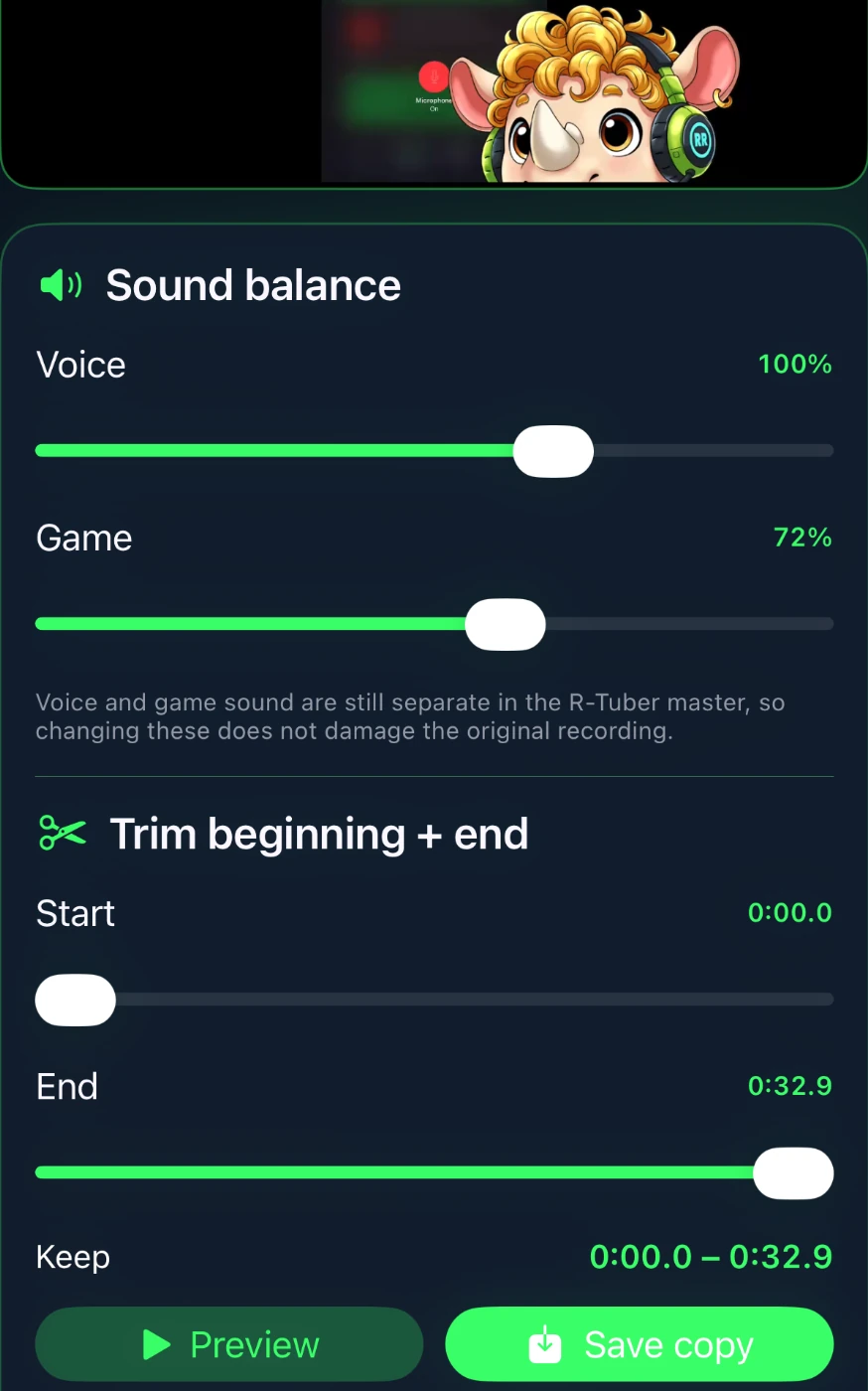
Trim the beginning and end, change speaking and game volumes, preview, then save a new copy. The original stays untouched.
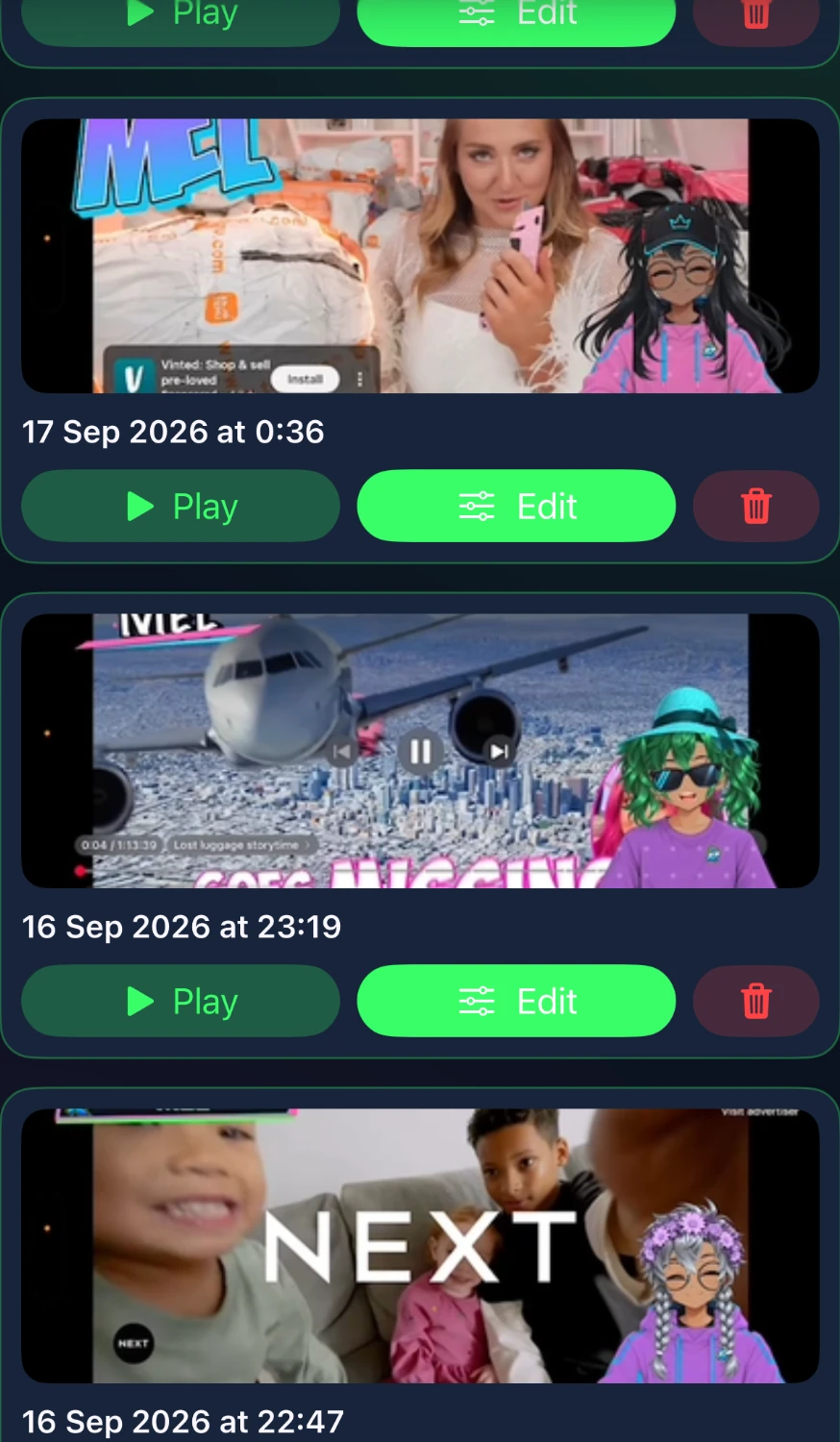
Play recordings, reopen them for editing and manage saved clips in the Videos area. Finished videos also save to your Photos library.
REAL OUTPUT EXAMPLES
One example uses a character and logo customised inside R-TUBER. The other uses a user-uploaded avatar and logo over gameplay.
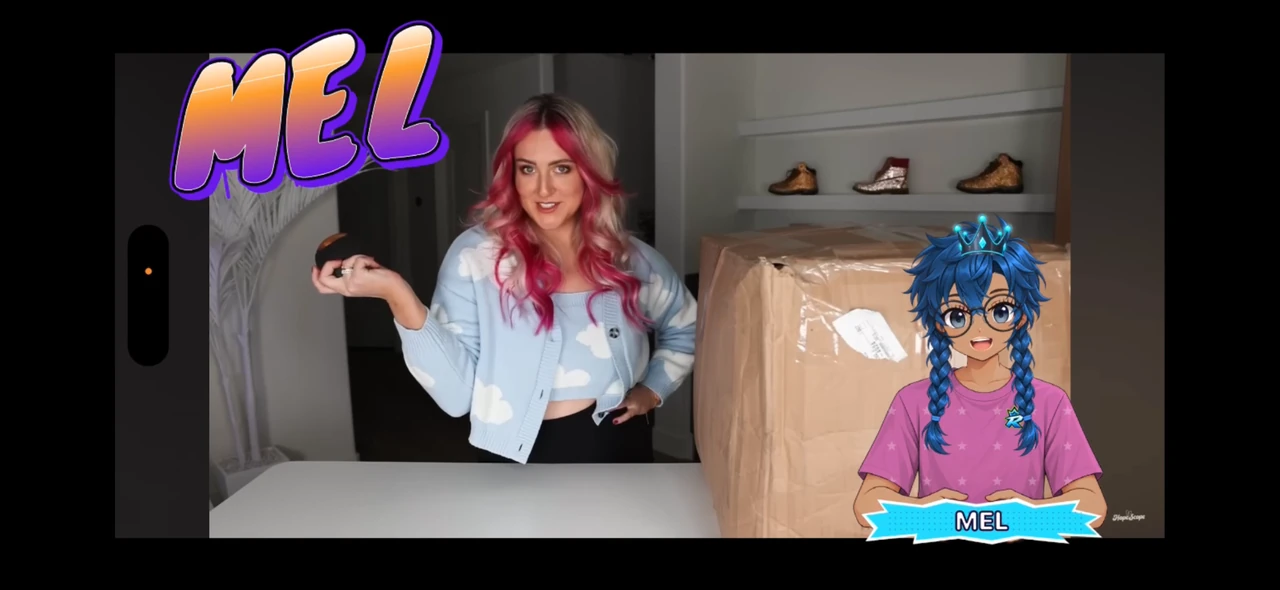
MEL uses the in-app customised character and logo with the creator hand position.
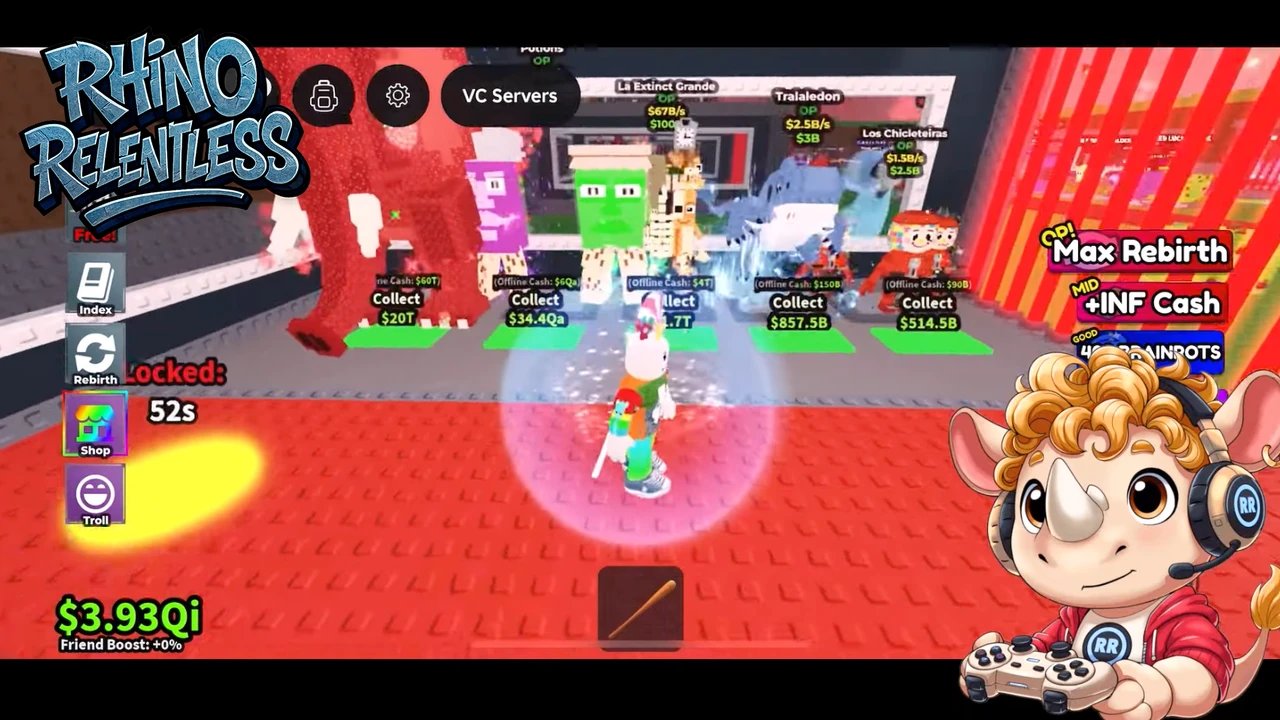
Rhino shows the imported PNGTuber + logo route over gameplay.
FOR CREATORS & FAMILIES
R-TUBER focuses on creating, recording and saving. The core experience does not revolve around profiles, followers or comments.
QUICK ANSWERS
No if you use the built-in character creator. Existing PNGTubers can instead import idle, talking, blink and blink + talking states.
No. R-TUBER is designed around a mobile recording workflow.
No. You can record without one. A headset usually gives the cleanest result because it helps keep game audio out of the microphone, but it is optional.
Yes. You can trim the beginning and end, adjust speaking volume and game volume, preview the result and save a new copy.
Finished recordings save to your Photos library and also appear in R-TUBER's Videos area, where you can play them, edit them and manage saved clips.
No. The first release is focused on recording and saving videos rather than livestreaming.
R-TUBER BY RHINO RELENTLESS
The iPhone and iPad release is being prepared now. The public App Store link will appear here when it is live.